Product Category
Introduction
Introduction
Introduction
Overview
- The Product Category allows you to define different groups of products. These groups can be used in generating Price Lists, defining margins and for easily assigning different accounting parameters for products.
Business Case
- In a company the Product Category defines unique groupings of products. Product categories can be used in building price lists.(Ex : Finished Goods,Bought Out,Piece Parts)
Tab
Tab
Product Category
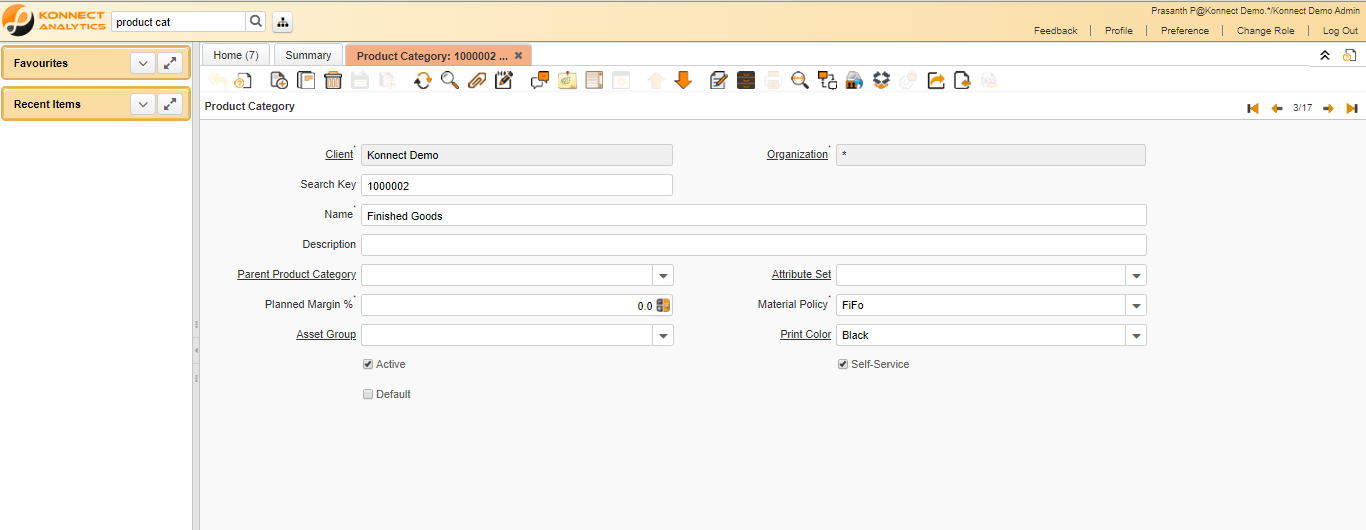
Critical Fields
- Name : It is used to mention the Product category name .The name of an entity (record) is used as an default search option in addition to the search key. The name is up to 60 characters in length.
- Material Policy : The Material Movement Policy determines how the stock is flowing (FiFo or LiFo) if a specific Product Instance was not selected. The policy can not contradict the costing method (e.g. FiFo movement policy and LiFo costing method).
Critical & onetime setup fields
- Organization Field- This Field is used to select the organization which you are going to process the document.
Non-Critical Fields
- Parent Product Category : This is used to select the parent product category.(Refer Product Category Master)
- Planned Margin % : The Planned Margin Percentage indicates the anticipated margin percentage for this project or project line
- Print Color : Colors used for printing and display
- Attribute Set : Define Product Attribute Sets to add additional attributes and values to the product. You need to define a Attribute Set if you want to enable Serial and Lot Number tracking.
- Default : The Default Checkbox indicates if this record will be used as a default value.
- Self-Service : Self-Service allows users to enter data or update their data. The flag indicates, that this record was entered or created via Self-Service or that the user can change it via the Self-Service functionality.
-
Asset Group : The group of assets determines default accounts. If an asset group is selected in the product category, assets are created when delivering the asset.(Refer Asset Master)
Zoom condition’s
- We can zoom and find the Product ,Product Planning Data,Item Master,Product Asset Master,Resource Type,Spare Parts,Services Master,Parts and BOMs
Customization
Tab
Accounting
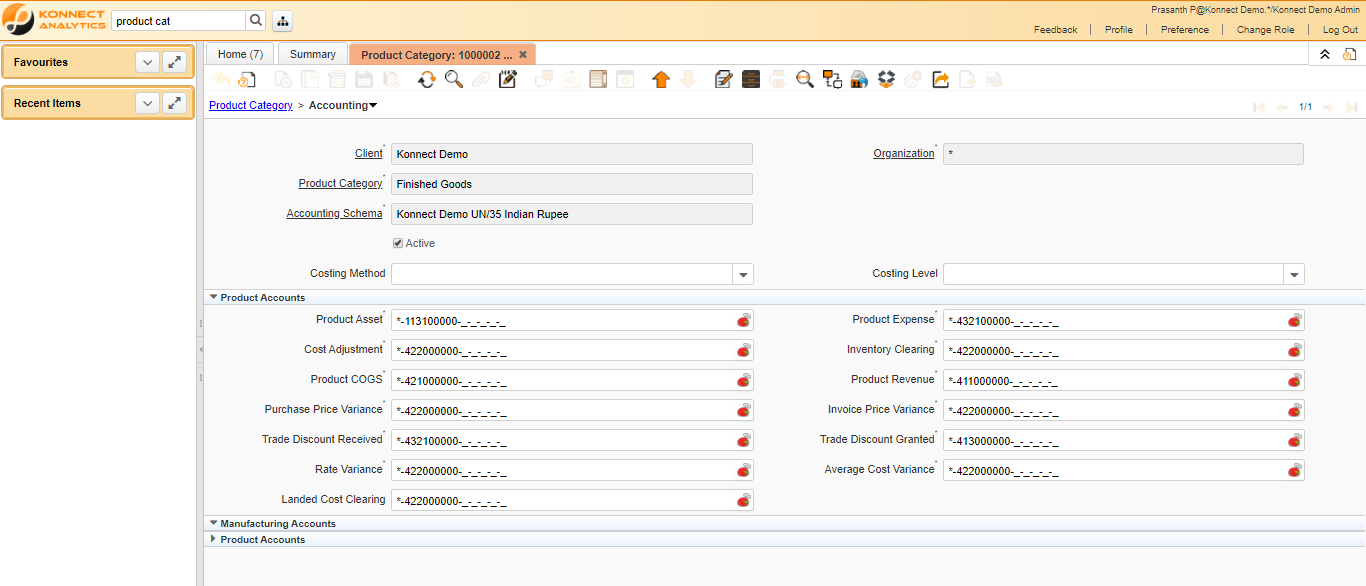
This Sub tab shows the Accounting details about the Product Category.
Tab
Assigned Products
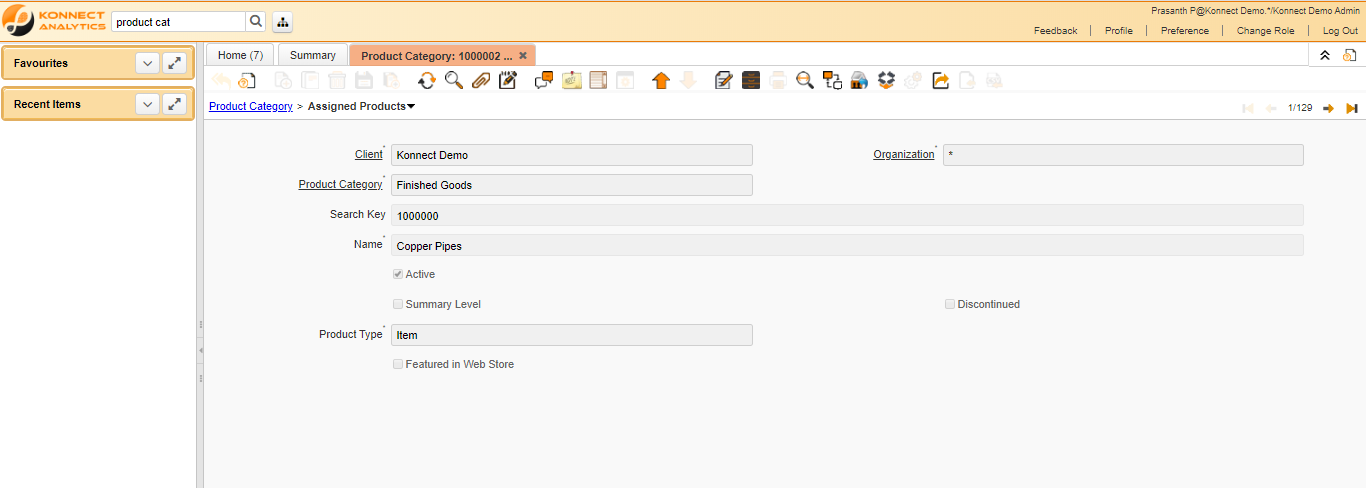
This Sub tab shows the Products under this category.
Validations
Validations
Validations
Save
- It is used to save the records after the mandatory fields are filled.
Delete
- It is used to delete the records before the transactions are done.